
How do I use NuCalm?Updated 8 months ago
Step 1: Select the product from the Home Screen that matches the state of mind you would like to achieve:
- Rescue: Deepest recovery and restoration
- PowerNap: The ultimate power nap
- DeepestSleep: Deepest, most restorative sleep all night long
- DeepestSleep+: Rescue to wind down your mind into the deepest, most restorative sleep
- FlowState: Creativity, calm, and relaxation
- Focus: Clarity, concentration, and comprehension
- Ignite: Peak mental state and mistake-free performance
- Priming: Prime your mind for inspiration and intention
Step 2: Refer to the iconography on each product's Home Screen to maximize efficacy:
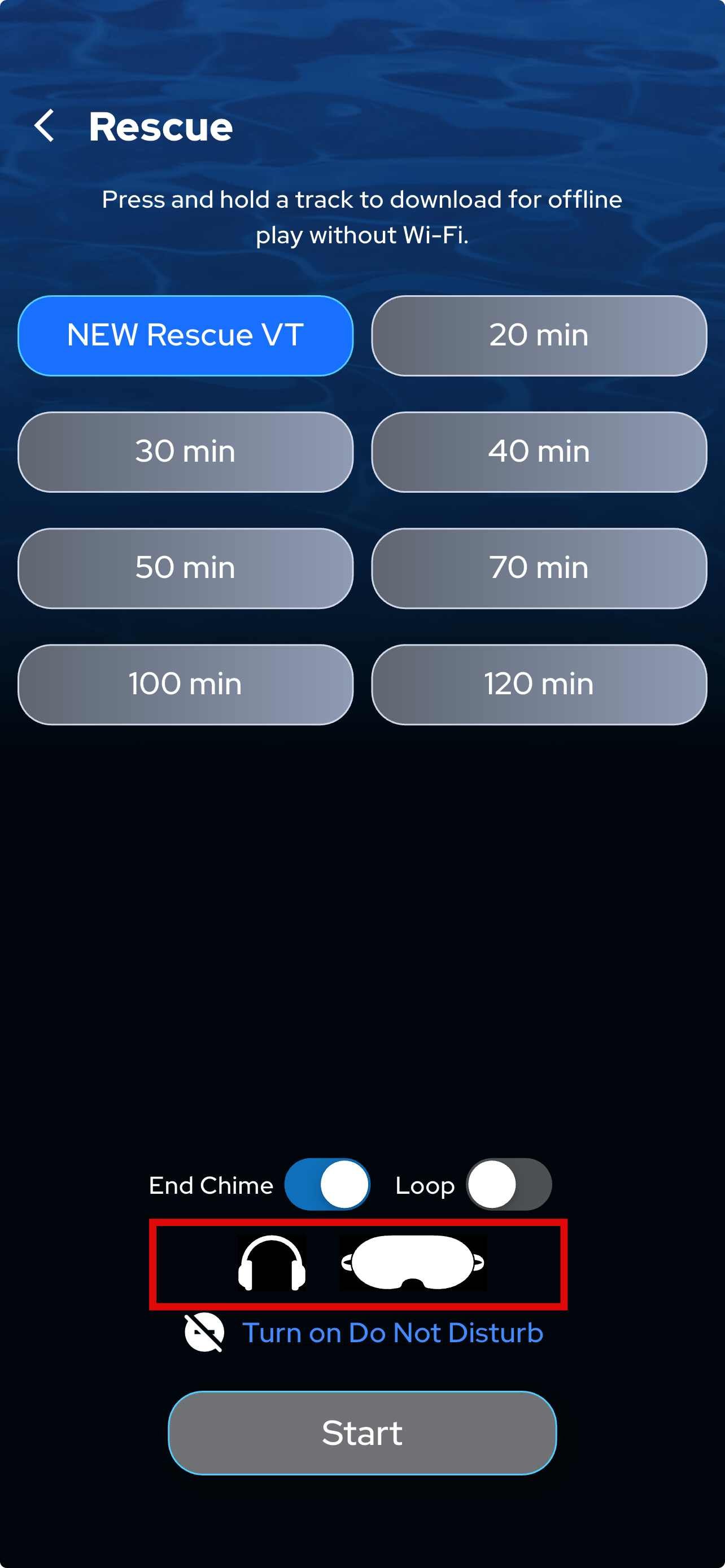
Step 3: Use recommended headphone and speakers
Step 4: Press Play and enjoy your NuCalm experience!
Don't forget to turn on Do Not Disturb!
Learn how to incorporate NuCalm into your daily life with the recommended NuCalm Daily Habits.