
How do I download the NuCalm app?Updated 8 months ago
How do I download the NuCalm app?
How to download and get started using the NuCalm Mobile App (available on iOS and Android)
Go to the App Store or Google Play Store and search NuCalm or follow the links:
If you are having issues, here is a guide on how to download mobile apps:
Note: NuCalm does not send you a device; the app is to be downloaded on your own phone, tablet, etc.
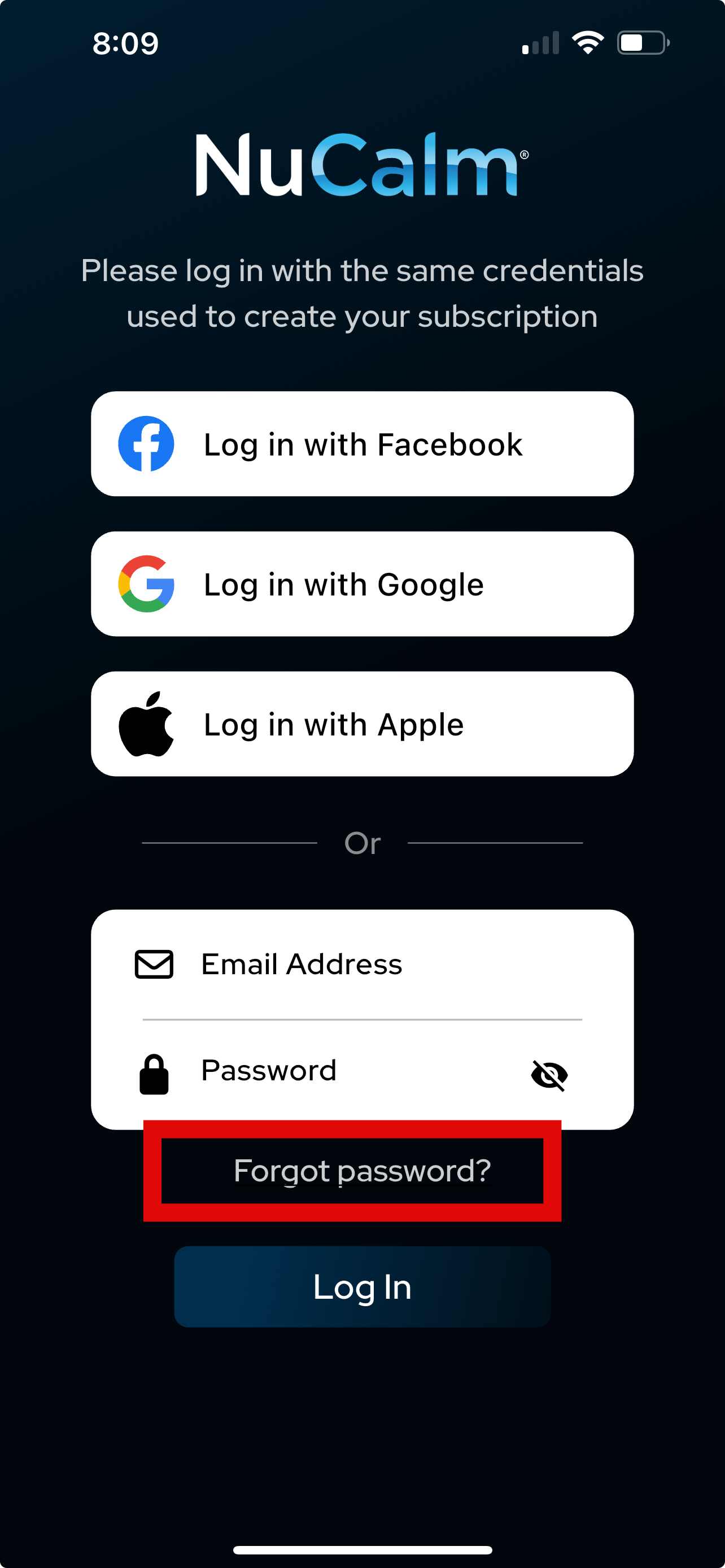
Once the app loads, click "Login". You can now log in with the credentials you used when signing up for the trial or purchasing your NuCalm subscription (email, Google ID, or Apple ID). If you are unsure of your login credentials, try searching your email inbox for "NuCalm" to verify your email. If you are having issues remembering your password, select Forgot Password, and a link to reset your password will be emailed to the email on file.
Once you are logged in, you should now see the products available to you.
The NuCalm mobile application cannot currently be used on a laptop, desktop computer, Amazon Fire tablet, or Kindle. Playback through a web browser may be available in the future. The app will use about 74mb of space on your smart device. The software is streamed via WiFi or cellular signal. You do have the option to download specific tracks if you'd like to have tracks available for Offline Playback, which will then take up more storage.